
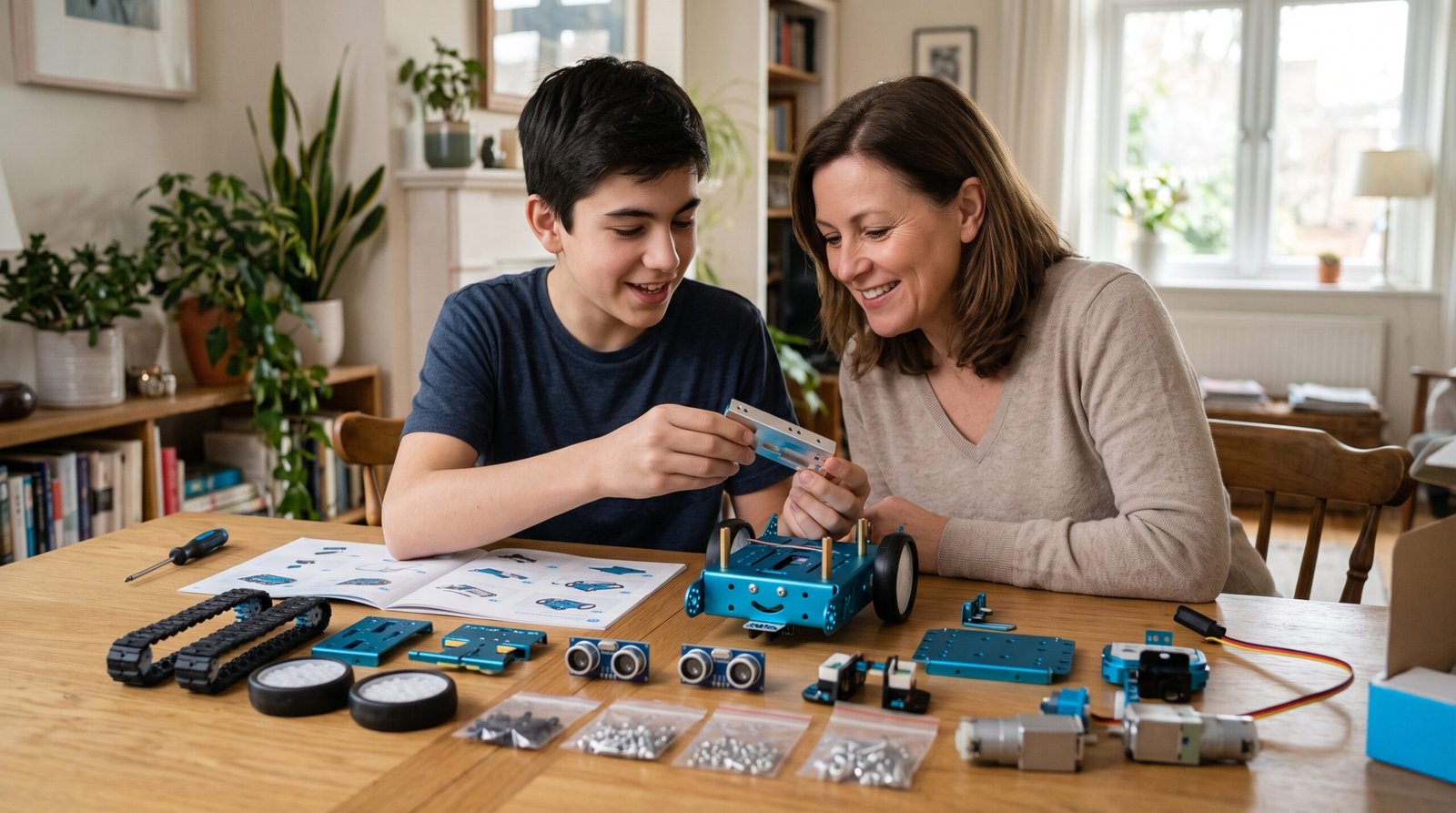
As a mother of a 15-year-old boy and a teacher with 20 years of experience, finding the right educational tech tools like the Makeblock mBot Ranger is always a priority in our household. We want our teens to spend their time engaging in activities that are not only fun but also mentally stimulating and skill-building. When I first started looking for a robotics kit that wasn’t too childish but also wasn’t overwhelmingly complex, this specific model kept coming up in my research. After bringing it home and letting my son dive into the build and programming, I can honestly say it has been a game-changer. If you are on the fence about purchasing this STEM toy, here is my detailed, first-hand review of why it is worth every penny this year.
What Exactly is the Makeblock mBot Ranger?
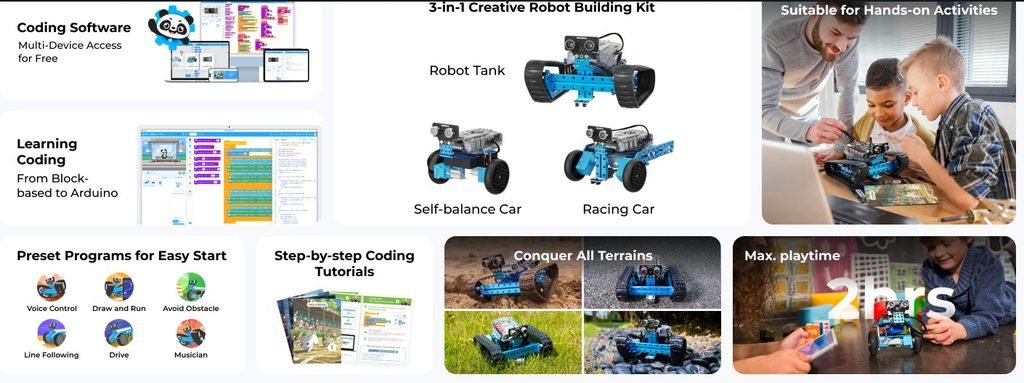
Before we get into the nitty-gritty details, let’s break down exactly what the Makeblock mBot Ranger is. Essentially, it is an advanced, 3-in-1 educational robotics kit designed for kids and teens who want to learn mechanical engineering and coding. Unlike basic plastic snap-together kits, this machine is constructed from sturdy aerospace-grade aluminum alloy. This gives it a premium, durable feel that appeals instantly to older teenagers who might scoff at flimsier toys.
Powered by the Me Auriga mainboard (which is based on the popular open-source Arduino Mega 2560), the robot offers a robust platform for learning. It comes equipped with multiple sensors, including a light sensor, ultrasonic sensor, line follower, gyroscope, and a temperature sensor. This rich array of inputs means the device can be programmed to do incredibly complex tasks right out of the box, offering endless possibilities for a curious 15-year-old mind.
The Building Experience: Engaging and Screen-Free
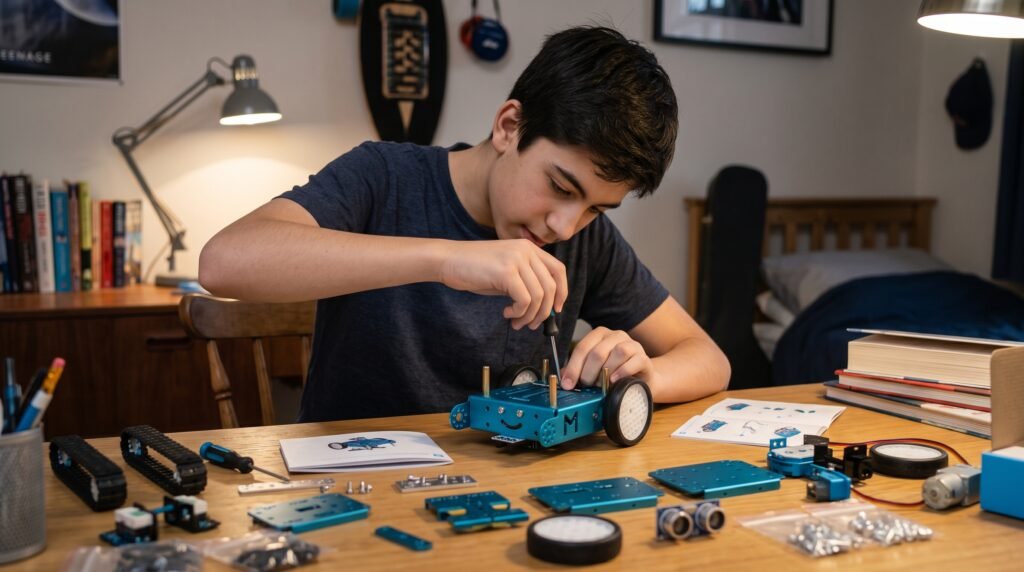
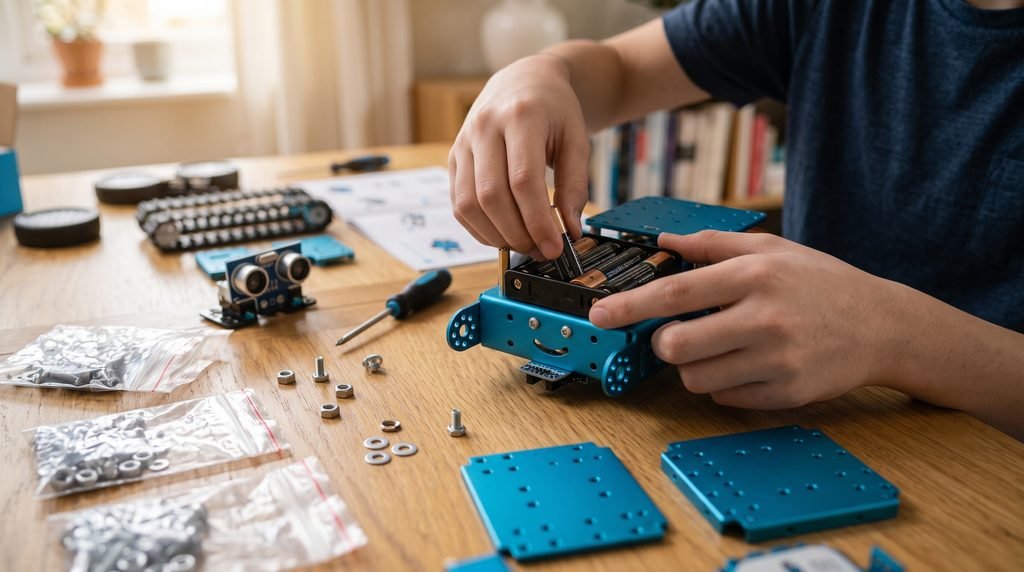
One of my biggest battles at home is getting my son off his phone. The physical assembly of the Makeblock mBot Ranger provided a fantastic, screen-free mechanical challenge. The kit includes clear, step-by-step instructions, and my 15-year-old was able to handle the entire build process independently. This model uses real screws, nuts, and bolts, which provides a highly satisfying tactile experience.
It took him about an hour to assemble the first form. During that time, he was completely focused, practicing his fine motor skills and spatial reasoning. I loved watching him problem-solve when a piece was backward or when a wire needed to be routed cleanly. This isn’t just a toy; it is a miniature engineering project that genuinely gives teens a sense of accomplishment once they power it on and see the LEDs light up for the first time.
Three Different Forms for Endless Replay Value

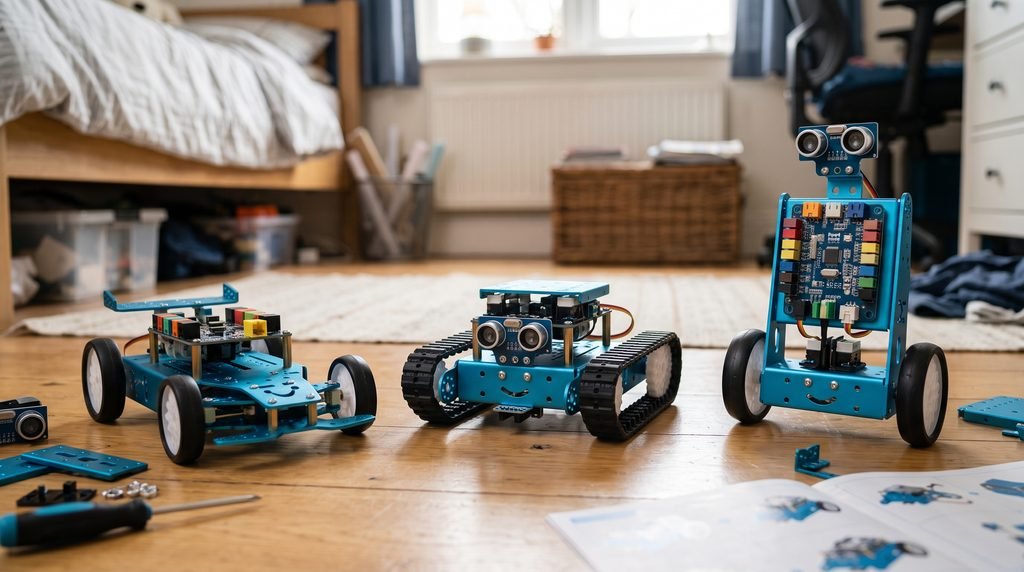
What sets the Makeblock mBot Ranger apart from competitors is its versatile 3-in-1 design. You aren’t just buying one robot; you are buying three distinct builds. First is the “Land Raider,” a tank-like vehicle with treads that can navigate rough terrain and conquer small obstacles in the living room. This was my son’s favorite form for the kit, as he loved driving it over books and pillows.
Second is the “Dashing Raptor,” a three-wheeled racing car design that moves significantly faster and is perfect for flat surfaces and racing challenges. Finally, there is the “Nervous Bird,” a self-balancing robot that uses the built-in gyroscope to stay upright on two wheels. Rebuilding it into these different forms keeps the play experience fresh. Whenever my son got bored with one mode, he simply took out the screwdriver and transformed the machine into something entirely new.
Transitioning from Block Coding to Arduino C
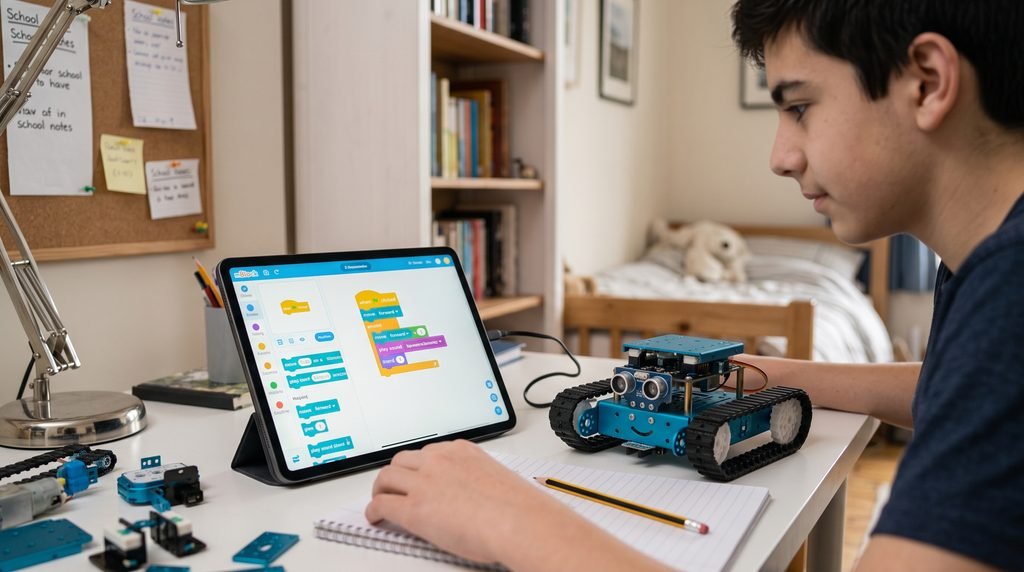
As an educator, the software side of any STEM toy is where I pay the most attention. The Makeblock mBot Ranger shines brilliantly in this department. It uses the mBlock software (available on PC, Mac, iOS, and Android), which is based on Scratch 3.0. For beginners, they can simply drag and drop visual blocks to make the robot move, play sounds, or follow a line. It makes the initial barrier to entry incredibly low.
However, since my son is 15, he is ready for more advanced challenges. The beauty of this system is that the software allows users to seamlessly transition from visual block coding to text-based Arduino C programming with just one click. He can write real code to access the sensors and fine-tune its behavior. This scalability ensures that the Makeblock mBot Ranger grows with your teen’s educational level, making it a long-term investment rather than a short-lived distraction.
Simulated Real-User Experiences and Practical Use
I’ve read countless Amazon product reviews from other parents, and our experience mirrors the overwhelmingly positive consensus. Many parents highlight that this kit is a perfect bridge for middle and high schoolers who have outgrown LEGOs but aren’t quite ready to build a drone from scratch.
My son loved programming the Makeblock mBot Ranger to act as a “room guard.” Using the ultrasonic sensor, he wrote a script that made the robot sound an alarm and flash red lights whenever someone (usually me checking in on him) walked through his bedroom door. It is this kind of creative, practical application that proves the system is effectively teaching logical thinking and cause-and-effect programming.
Pros and Cons: A Balanced Perspective
No product is completely flawless, especially when it comes to intricate educational gear. To give you a completely honest look at the Makeblock mBot Ranger, I want to share both the wonderful highlights and the slightly frustrating hurdles we encountered during our testing.
What We Loved (The Pros)
- Remarkably Durable Chassis: The anodized aluminum frame is virtually indestructible. My son accidentally drove the Land Raider down our hallway stairs during a testing phase, and it survived the tumble without a single bent plate or broken sensor.
- A True Educational Bridge: It is rare to find a toy that gracefully transitions from simple drag-and-drop programming to real Arduino C text coding. This means the robot won’t be outgrown in a few months; it actually scales with your teen’s growing computer science skills.
- Easy to Expand: Because the Me Auriga mainboard features multiple extra ports, you aren’t limited to what comes in the box. You can easily buy inexpensive add-on packs—like robotic arm grippers or extra sensors—to keep the engineering challenges going.
Things to Keep in Mind (The Cons)
- Hefty Battery Consumption: The robot requires 6 AA batteries, and because of its powerful motors and sensor array, it goes through them fairly quickly. To avoid going broke on batteries, I highly recommend investing in a good set of rechargeable AA batteries right from the start.
- Tiny Hardware is Easy to Lose: Assembly requires dealing with very small screws, nuts, and washers. If your teen is building this on a thick bedroom carpet, those tiny pieces can vanish instantly. (Makeblock thankfully includes some spares, but keeping a tray handy is a must).
- Occasional Bluetooth Hiccups: We experienced a few moments where the Bluetooth connection between our iPad and the robot dropped or refused to pair on the first try. A quick power cycle of both the tablet and the robot always solved the issue, but it can test a teenager’s patience.
Why It’s the Perfect Gift
If you are looking for a meaningful gift that combines hands-on engineering, advanced coding, and undeniable fun, the Makeblock mBot Ranger is an outstanding choice. It respects a teenager’s intelligence by offering a challenging build and real text-based coding capabilities.
As a mother and a veteran educator, I am thrilled with the problem-solving skills and patience my son has developed while working with this kit. The Makeblock mBot Ranger isn’t just a toy; it is an engaging educational platform that prepares teens for the tech-driven world of tomorrow. You can find the Makeblock mBot Ranger on Amazon here], and I highly recommend adding it to your teen’s STEM collection this year.